
Official Santa Clara County Case Information Portal
The Superior Court runs one public search tool for case data. It lives at portal.scscourt.org, and the court links it from its Case Information Online page with an "Access Now" button. The court's own page lists the portal's coverage in this order: civil, small claims, probate, some family cases, traffic and local ordinance cases, and criminal cases. The portal returns case-level data. Filings are not generally available online.
The Judicial Branch publishes broader guidance on viewing electronic court records, which helps explain why some documents are online while others require a counter visit. California Courts guidance on viewing electronic records sets the statewide context for Santa Clara County's portal.
The portal is the right starting point for any Santa Clara County court records search. Aggregator sites pull stale or partial data. The official portal pulls from the court's live case management system. If a document is not viewable online, the portal will still show the case status and hearing date so a copy request can move forward at the right clerk window.
Lead-in to image source: California Courts Self-Help on viewing electronic records walks members of the public through what remote access can show.
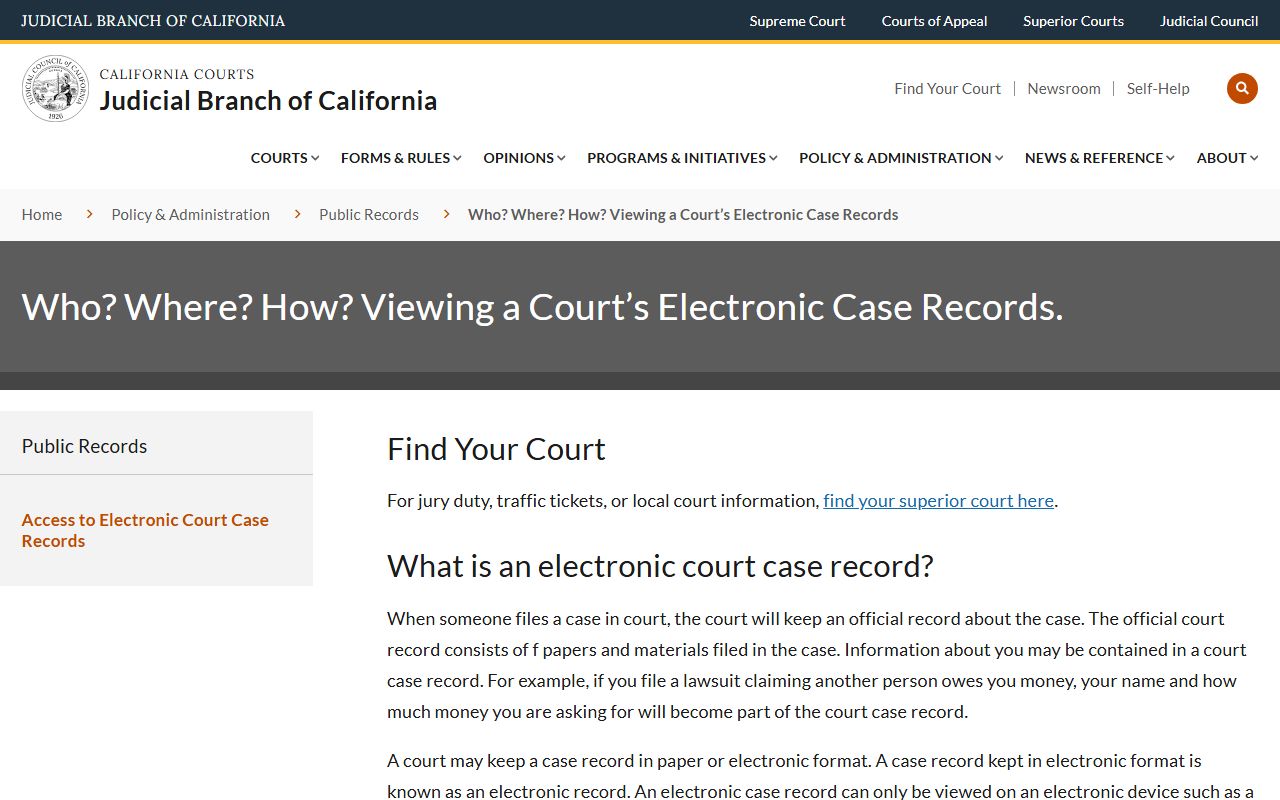
That guidance ties directly to the Santa Clara County court records framework. Not every filing is online, so the portal often points users to the clerk for full case copies.
How to Search Santa Clara County Court Records
The court's research block lays out the steps in plain order. Use a case number when you have one. Use name plus date of birth or name plus month and year when you do not. The list below is the official path from the court's own instructions.
- Start at the court's Case Information Online page, not a third-party search site. Use the "Access Now" link to enter the official portal.
- Choose the applicable case area. The court's own page separates coverage into civil, small claims, probate, and some family; traffic and local ordinance; and criminal.
- Search by case number when known. This is the most reliable search key for copy requests and clerk communications. Criminal records instructions say a person must have the case number to see or copy public criminal records.
- For criminal cases filed in 2004 or later, use the criminal case index search. Search by defendant name and date of birth, or by defendant name and the month and year the case was filed.
- For older criminal cases filed before 2004, the online index will not include the case. Search microfiche at the clerk's office using defendant name, date of birth, and filing year.
- For traffic warrants, use the Traffic Case Info Portal. Case information will indicate if a warrant was issued and the date.
- For probate, use the Case Information Portal for probate case records and the Probate Calendar page for hearing schedules.
- If documents are not viewable online, request copies from the relevant clerk division by mail or in person. For criminal copies, write a letter with the case number, full defendant name, date of birth, and the desired document.
- Include a self-addressed stamped envelope and payment. Checks should be payable to Clerk of the Superior Court and may include "not to exceed $10.00" in the memo line if the final page count is unknown.
Each step lines up with how the court phones direct callers. The same steps apply to Santa Clara County court dockets and to most case-level lookups.
Case Types Covered by the Portal
The Case Information Portal is broad but not total. Some case types sit fully online. Others show only a register of actions and a hearing list. A few are confidential by law and never appear on the public portal at all.
- Civil cases including complaints, answers, motions, orders, judgments, writs, and abstracts. Civil matters sit at Downtown Superior Court and the Old Courthouse.
- Small claims cases at Downtown Superior Court. The small claims advisor line is 408-882-2929.
- Criminal cases including minute orders, sentencing, dockets, warrants, bail, and court dates. Not all criminal documents are public.
- Traffic and local ordinance cases. Records can show delinquency and warrant status text like "Case is delinquent. Warrant issued on [date]. Payment state: Due."
- Family cases including dissolution, legal separation, custody, support, and parentage. Some family info is public; financial, medical, and minors' data are restricted.
- Probate including decedent estates, conservatorships, guardianships, wills, trusts, and name or gender change petitions.
- Restraining order matters across civil harassment, domestic violence, elder abuse, gun violence, and workplace violence calendars.
- Juvenile dependency and juvenile justice records, which are confidential by statute and not on the public portal.
- LPS mental health filings, which are restricted and handled under the probate contact line.
For deeper case-type detail, see the Santa Clara County criminal records, probate records, and marriage and divorce records pages.
What Santa Clara County Court Records Show
A typical Santa Clara County court record exposes the fields below. The fields come from the court's own guidance plus public-access rules. Live document images are not generally on the portal, but the case-level data is.
| Field | What It Shows |
|---|---|
| Case Number | Required for copy requests; exact format varies by case type. |
| Parties | Criminal defendant name; civil, family, and probate party names where public. |
| Filing Date | Used in the criminal index alternative search by name plus month and year. |
| Case Type | Civil, small claims, probate, family, traffic, local ordinance, or criminal. |
| Status | Open, closed, disposed, delinquent, warrant issued, sealed, or transferred. |
| Docket / Register of Actions | Event log of filings, hearings, orders, and judgments where the case is public. |
| Documents | Filings are not generally online; copy requests are required for full document images. |
| Hearings | Probate calendar PDFs and portal case pages may show hearing date, time, and department. |
| Redactions / Restrictions | Juvenile, sealed, victim identifying info, probation reports, and financial or medical content are not public. |
The court directs users to case-type instructions for obtaining documents in person or by mail. Knowing the field list above helps you write a clean copy request the first time.
Search Field Reference for the Case Information Portal
The Case Information Portal does not expose every field through a plain HTTP fetch. The table below maps the search fields the court describes in its public instructions. Exact labels may vary by case area, so verify them in the live portal.
| Field Label | Type | Required | Notes |
|---|---|---|---|
| Case type / portal area | Tab or menu | Yes | Civil, small claims, probate, some family, traffic and local ordinance, or criminal. |
| Case Number | Text | Optional / preferred | Use the exact court case number when known. |
| Party Name | Text | Optional | The criminal index uses defendant name as the main name field. |
| Date of Birth | Date | Conditionally required | Criminal index can use defendant name plus DOB for cases filed 2004 or later. |
| Filing Month / Year | Date / month-year | Alternative | Criminal index can use defendant name plus month and year the case was filed. |
| Search | Button | Yes | Submits the query to the case management system. |
| Clear / Reset | Button | Optional | Resets the form for a fresh query. |
For traffic warrants and probate hearings, the portal exposes case-specific status text. Civil and small claims work best with a case number or party name.
Public Access Laws for Santa Clara County Court Records
California treats court case records and agency records under two overlapping systems. The Judicial Branch sets court rules. The Legislature sets the California Public Records Act for agency records. Both shape what you can see and what stays sealed in Santa Clara County. Lead-in to image source: California Rule of Court 2.500 sets the purpose and scope of electronic access to trial court records.
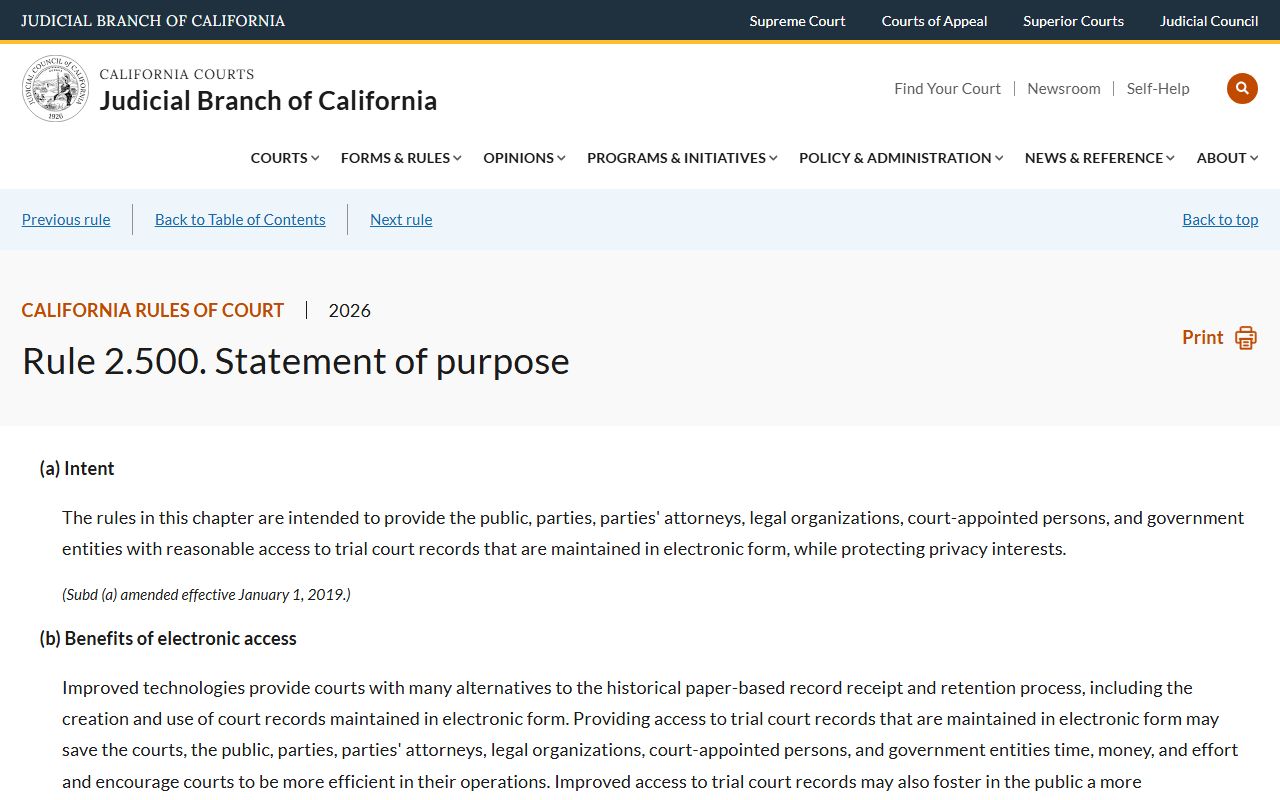
Rule 2.500 frames how Santa Clara County and other California courts handle online access. It states the goal is broad public access while protecting safety and privacy.
Key statutes and rules for Santa Clara County court records:
- California Rule of Court 2.500 sets the purpose and application of electronic access rules for trial court records.
- California Rule of Court 2.503 defines public access to electronic trial court records, including the line between remote access and courthouse access.
- California Rule of Court 2.550 sets the standard for sealing court records and the presumption of openness.
- Government Code section 7920.000 is the short title for the California Public Records Act, used for county agency records.
- Welfare and Institutions Code section 827 makes juvenile case files confidential and limits inspection to authorized persons.
- Penal Code section 1203.4 allows dismissal after probation for eligible criminal cases.
Members of the public may view records open to inspection online when available or in person at public access terminals at the courthouse. The court keeps that line clear so privacy interests in juvenile, family, and sealed matters stay protected. Lead-in: Rule 2.503 is the rule the Santa Clara County portal applies day to day.
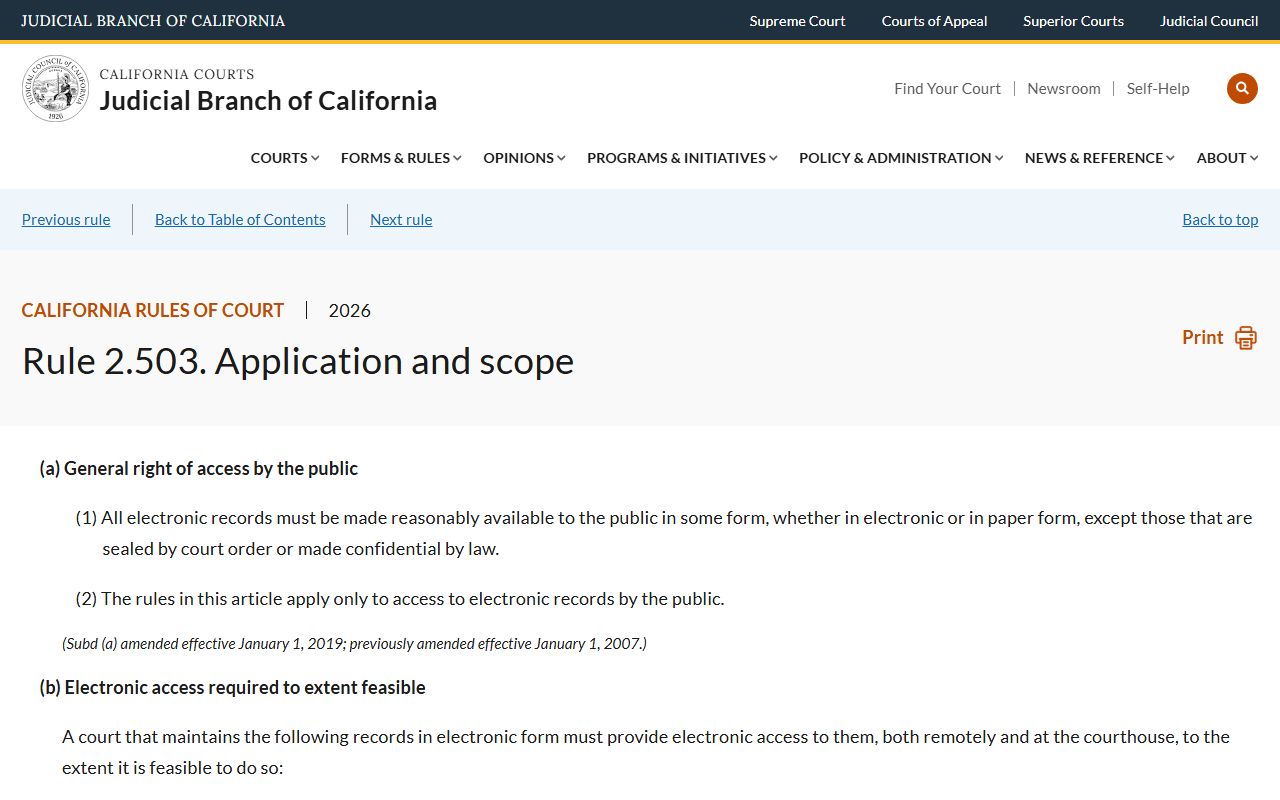
Rule 2.503 is the practical guide for what shows up online versus what sits behind a courthouse terminal. The Santa Clara County portal mirrors that split.
Restricted or Confidential Santa Clara County Records
Some Santa Clara County court records never reach the public portal. The court's criminal records page lists categories that are not available as public copies. Juvenile files are protected by statute. Sealed records require a court order. Family records have separate confidentiality rules.
- Juvenile case files are confidential under Welfare and Institutions Code section 827 and California Rule of Court 5.551.
- Sealed court records require a motion under California Rule of Court 2.550 and 2.551.
- Arrest reports or documents listing victim name, address, or phone number are not public.
- Probation reports are not public.
- Domestic violence protective orders cannot be copied from the criminal file as a public document.
- Own Recognizance reports are not public.
- Criminal history information is not a public court file copy. Local criminal history requests go to the Sheriff's Office.
- Financial and medical information is not public in criminal court files.
- Adoption records are generally confidential under California law.
- Confidential marriage certificates may be purchased only by a person listed on the certificate or by court order.
Lead-in to image source: California Rule of Court 2.551 describes the procedures for sealing court records, including lodged records and orders.
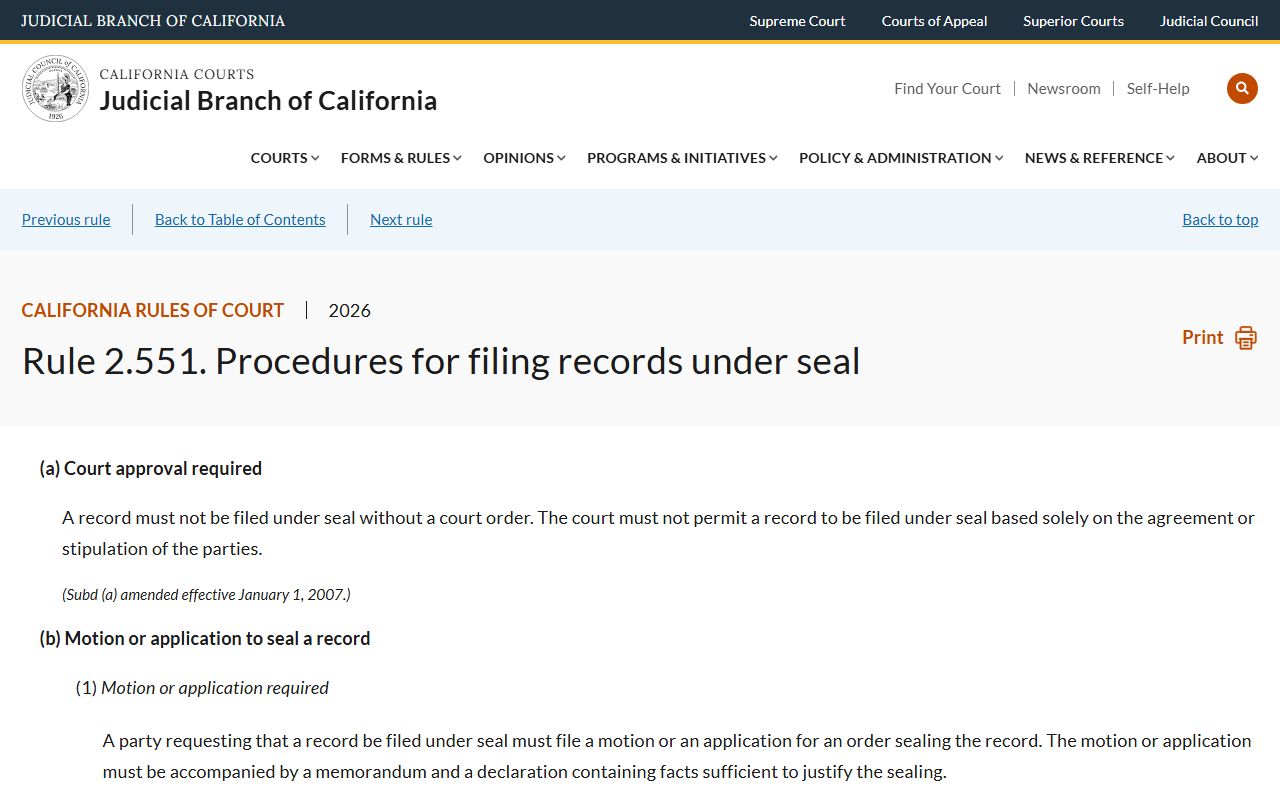
Rule 2.551 governs how a party in Santa Clara County asks the court to seal a record. It also explains how access works after a record is sealed.
If you need a record that is restricted, you may still be able to view it. The path differs by case type. Juvenile sealing follows Welfare and Institutions Code procedures. Adult relief uses Penal Code section 1203.4 for cases ending in probation, or Penal Code section 851.91 for arrests with no conviction. The court's Public Defender and Self-Help center can help with the right form.
How to Request Copies from Santa Clara County Courts
For criminal copies, the court requires a written letter to the criminal records unit. Include the case number, the full defendant name, the date of birth, and the desired document by name. A minute order for a specific date, a docket, a sentencing minute order, or the complaint are common examples. Send a self-addressed stamped envelope. Pay by check made out to Clerk of the Superior Court. The court suggests writing "not to exceed $10.00" in the memo line when the final page count is unknown. The full instructions are on the court's viewing criminal records page.
For family records, use the Family Records Copy Request Form. The Clerk-Recorder FAQ says divorce records sit with the Superior Court, not with the Clerk-Recorder. In-person divorce record requests go to 201 North First Street, San Jose, CA 95113. Mail requests go to 191 North First Street, San Jose, CA 95113.
Search fees apply if no case number is provided. Dissolution judgments have a separate certification fee. Plain copies run at a per-page rate.
Older Criminal Cases and Microfiche
The online criminal index is bounded by filing date. Cases filed in 2004 or later show up in the criminal case index search. Anything older sits on microfiche at the clerk's office. The court says users must search microfiche on-site using the defendant's name, the date of birth, and the filing year. There is no remote way to pull a pre-2004 criminal file by name. A trip to the Hall of Justice criminal records counter or the proper clerk window is required.
Civil, family, and probate files have their own retention rules. Older civil judgments may still appear in abstract form even if the full file has been archived. Ask the civil clerk at 408-882-2100 if a case is too old for the portal. For probate, the Probate Clerk's Office is in Room 107 at 191 North First Street.
For follow-up reading on the broader county records landscape, see the Santa Clara County public records page and the Clerk of the Superior Court overview.
Santa Clara County Court Record Fees
Court copy fees in Santa Clara County come from a statewide fee schedule plus local additions. The court's fees page links the current civil fee schedule and notes payment methods. Family record fees are listed on the Family Records Copy Request Form. The return-check fee comes from state statute.
| Item | Fee |
|---|---|
| Plain copy (per page) | $0.50 |
| Search fee when no case number is provided (after 10 minutes) | $15 |
| Certification of dissolution judgment | $15 |
| Certification of other documents | $40 |
| Returned check fee (Government Code 71386) | $50 |
The fees above are court fees set by California statute and local schedules. They are not Clerk-Recorder fees for vital records.
Public Access Terminals in Santa Clara County Courthouses
Some records are not accessible from home. California Rule of Court 2.503 lets courts distinguish remote access from courthouse access. Santa Clara County uses public access terminals at the courthouse for the records that cannot go out over the open internet.
The court says members of the public may view court records open to inspection online when available, or in person at public access terminals located at the courthouse. The terminals serve people researching older files, viewing documents that are not posted to the portal, or running broader name searches that the online tool does not allow.
Plan your trip during clerk counter hours: Monday through Thursday 8:30 a.m. to 3:00 p.m., and Friday 8:30 a.m. to 12:00 p.m. Courthouse building hours run Monday through Friday 8:00 a.m. to 5:00 p.m. Counters can close earlier than the building.
Where to Go in Person
The civil and probate counter is at Downtown Superior Court. Family records are across the street at the Family Justice Center. Criminal records are at the Hall of Justice. The Santa Clara County Superior Court page lists every department.
Downtown Superior Court
191 North First Street
San Jose, CA 95113
408-882-2700
Mon-Thu 8:30 a.m. - 3:00 p.m.; Fri 8:30 a.m. - 12:00 p.m.
Frequently Asked Santa Clara County Court Records Questions
Common questions come up about portal coverage and copy timing. The answers below pull from the court's own instructions.
Can I view filed documents on the Case Information Portal?
No. The portal shows case-level data and a register of actions where the case is public. Filings are not generally available online. To get a full copy of a complaint, minute order, or judgment, send a written copy request to the right clerk division with the case number, party names, payment, and a self-addressed stamped envelope. The criminal records unit accepts requests by mail under the court's published procedure.
What if I do not have a case number?
For criminal cases filed in 2004 or later, the online criminal index lets you search by defendant name plus date of birth, or by defendant name plus the month and year the case was filed. For pre-2004 criminal cases, search microfiche at the clerk's office. For civil, family, or probate, a search fee of $15 applies when the clerk has to run a name search and it takes more than ten minutes.